In today’s digital world, photography and editing go hand in hand. Among countless editing apps, Snapseed stands out for its simplicity and power. What makes it even more remarkable is the introduction of Snapseed QR codes, a feature that allows users to share their custom edits quickly and effortlessly. This innovation not only enhances creativity but also builds a global editing community.
What Are Snapseed QR Codes?
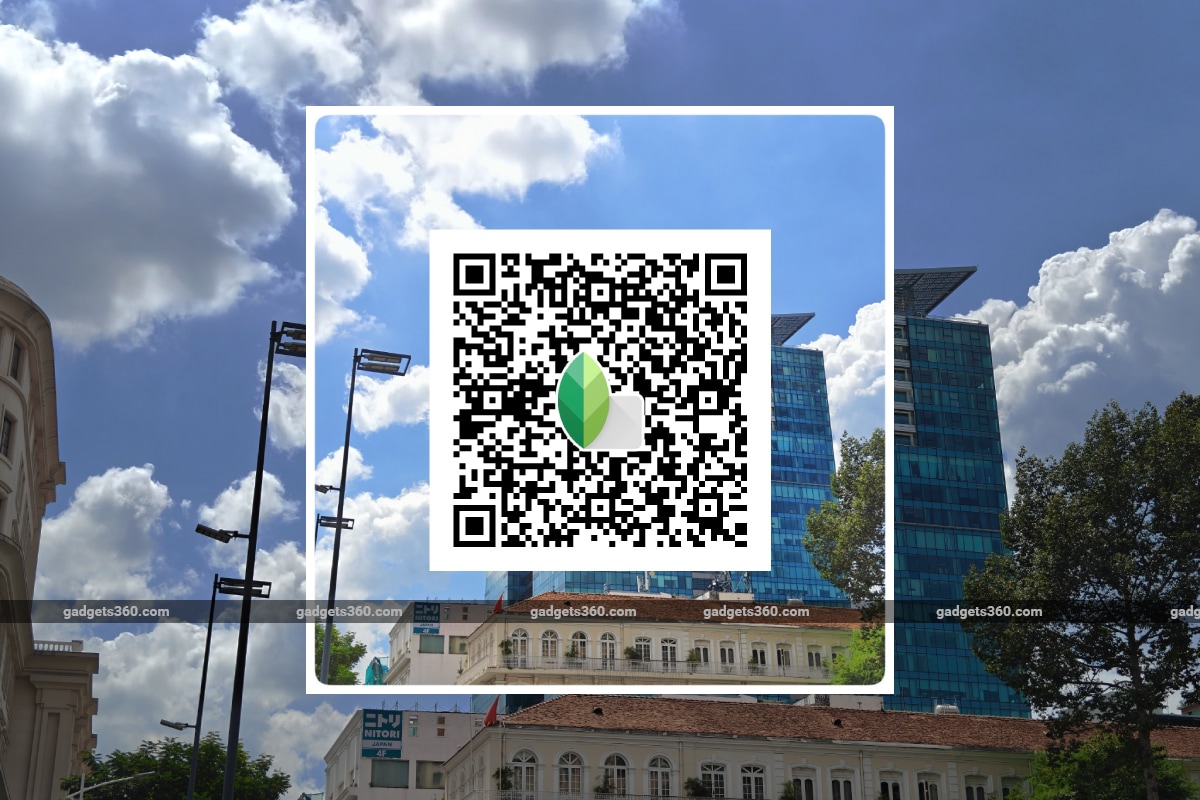
Snapseed QR codes are digital codes that store your saved editing settings. Instead of sharing a list of steps or filter values, you can now generate a QR code within the app. Once scanned, the exact edits get applied automatically to another image. This feature removes confusion and ensures perfect consistency in tone, color, and style.
Moreover, these are unique to , making them a signature tool for photographers, influencers, and designers who value both efficiency and creativity.
How to Create Snapseed QR Codes
Creating a Snapseed QR code is surprisingly easy. After editing your photo, tap the “Edit Stack” option in the app. Then select “QR Look” and choose “Create QR Look.” A code will instantly appear on your screen. This code contains every adjustment, from brightness and contrast to selective color corrections.
By saving or sharing that code, others can recreate your artistic vision with a single scan. Therefore, your creative identity travels seamlessly across devices and users.
How to Use and Scan Snapseed QR Codes
To apply a Snapseed QR code, open any photo within Snapseed and go to the “Edit Stack.” Tap “QR Look” again and choose “Scan QR Look.” Point your camera toward the saved code, and in moments, your image transforms.
Because of this streamlined process, Snapseed has made preset sharing incredibly fast. Whether you are part of a photography group or building a consistent Instagram feed, these QR codes save valuable time while maintaining uniform aesthetics.
Why Photographers Love Snapseed QR Codes
Professional and casual photographers alike appreciate for multiple reasons. First, they offer consistency. Every photo edited through a shared QR code reflects the same tone, ensuring cohesive branding.
Second, they provide collaboration opportunities. Photographers can now exchange creative styles, experiment with trends, and grow together. Additionally, using QR codes eliminates the need for expensive preset purchases. Creativity becomes more inclusive and community-driven.
Finally, help in learning photography editing. Beginners can scan professional presets, study the applied adjustments, and gradually master the process.
Advantages of Using Snapseed QR Codes
The benefits of Snapseed QR codes extend beyond ease of use:
- Instant Sharing: You can share QR codes on social media, through messaging apps, or in blogs effortlessly.
- Zero Compatibility Issues: Since the codes are native to Snapseed, users experience no conversion errors.
- Efficient Workflow: Editing dozens of photos with identical looks becomes almost automatic.
- Creative Experimentation: Users can collect codes from different creators and blend multiple styles to achieve unique outcomes.
As a result, Snapseed QR codes empower every user, regardless of skill level, to produce professional-quality visuals consistently.
Popular Snapseed QR Code Presets
Creators often share QR codes for various photography styles. Some of the most loved ones include:
- Moody Tone: Perfect for cinematic and dark aesthetics.
- Bright Lifestyle: Ideal for travel and food photography.
- Warm Vintage: Recreates nostalgic golden hues.
- Cool Minimalist: Gives a crisp, desaturated feel for modern compositions.
By experimenting with these presets, photographers can elevate their storytelling instantly.
Best Practices for Using Snapseed QR Codes
While Snapseed QR codes simplify editing, following best practices ensures optimal results. Always start with a well-exposed image to let filters perform effectively. Keep experimenting but avoid overusing similar tones on every shot, as visual variety strengthens engagement.
Additionally, remember to save your favorite codes in organized folders. Doing so will help you maintain a ready library of creative presets for future projects.
Final Thoughts
Ultimately, Snapseed QR codes revolutionize mobile editing by turning creative sharing into an effortless experience. Through them, ideas spread quickly, styles evolve naturally, and communities grow stronger.
Because Snapseed combines simplicity with innovation, anyone can create professional-quality edits without technical complexity. So, the next time inspiration strikes, create a QR code, share it proudly, and watch creativity multiply.